

In short: Three collection metafields give merchandisers control over how colors appear on a collection, with no app: split_colors shows every color as its own card, featured_colors shows only the colors you choose, and featured_color_products sets the lead color for each product. Every color still links back to the main product.
Ever wanted to show all the colors a product comes in on the collection page, without losing the convenience of variants?
Ever wanted to make an edit highlighting specific colors without changing their order on the PDP?
Ever wanted to hide some colors on a collection page?
These merchandising tools are the most requested feature we get from fashion brands.
How it works: three collection metafields
There is a set of metafields on the backend that allows the merchandiser more granular control of color display on a collection.
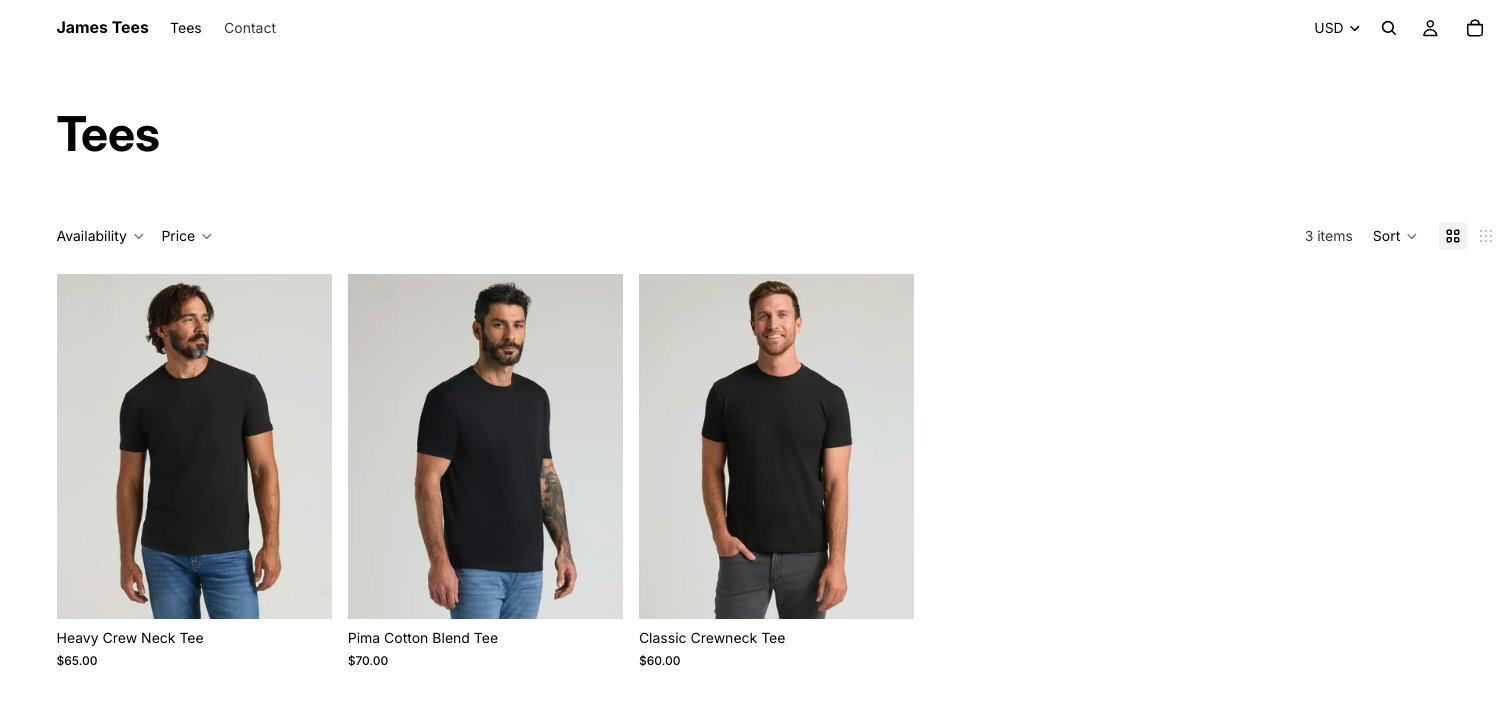
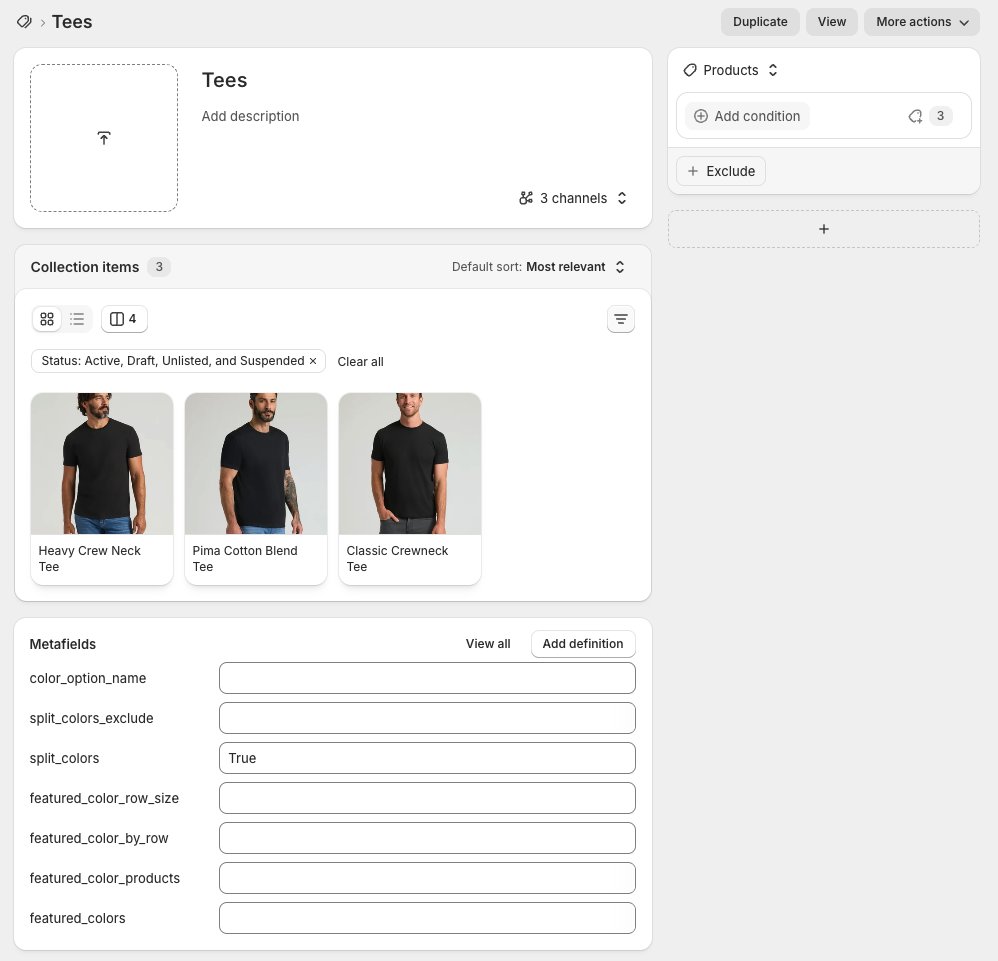
split_colors: show every color as its own card
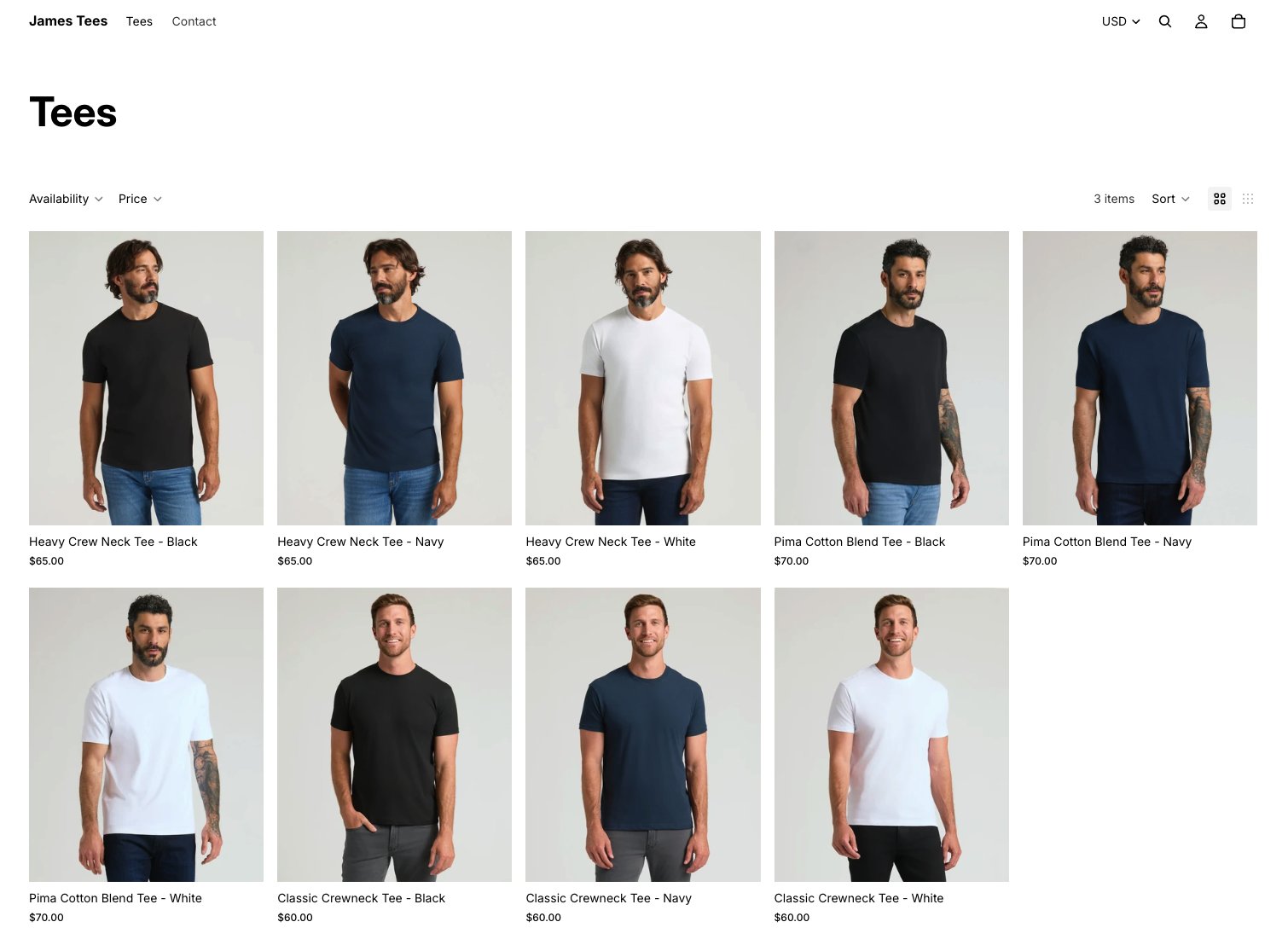
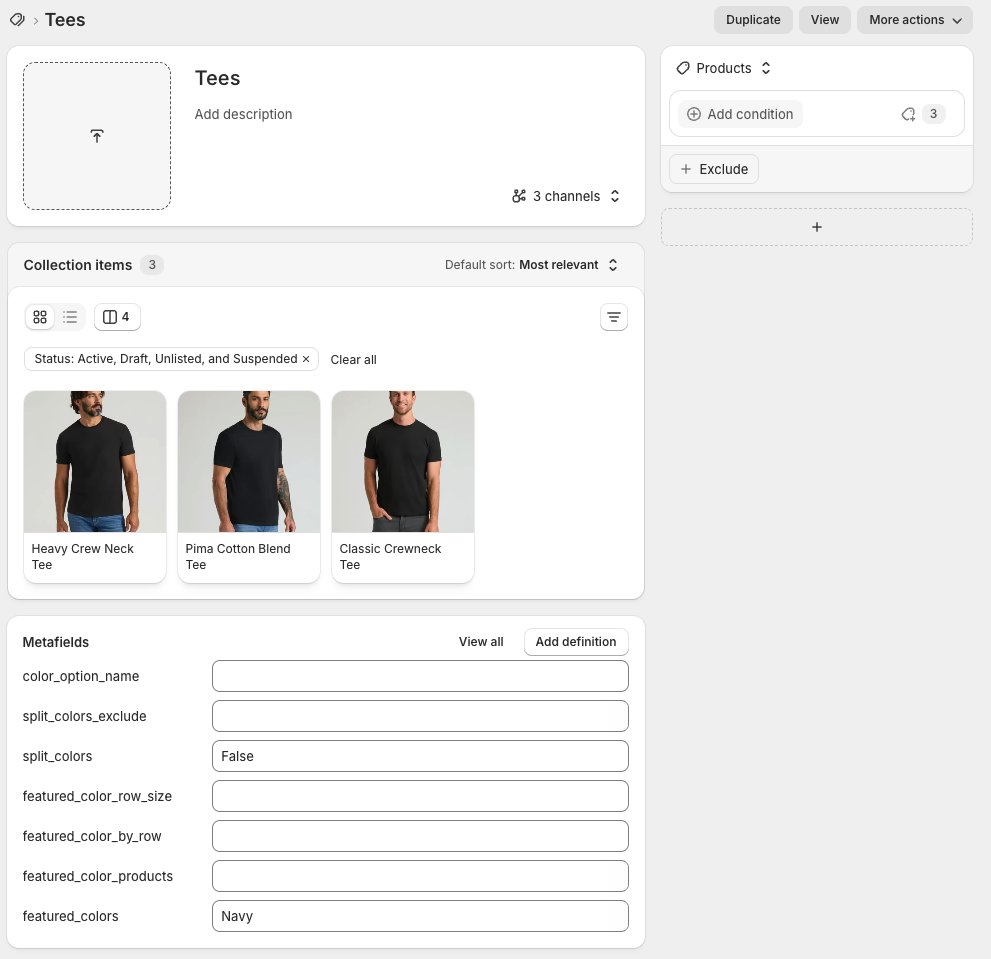
featured_colors: build a color edit
You can use this to create collections like game day edits, new color drops or holiday shops.
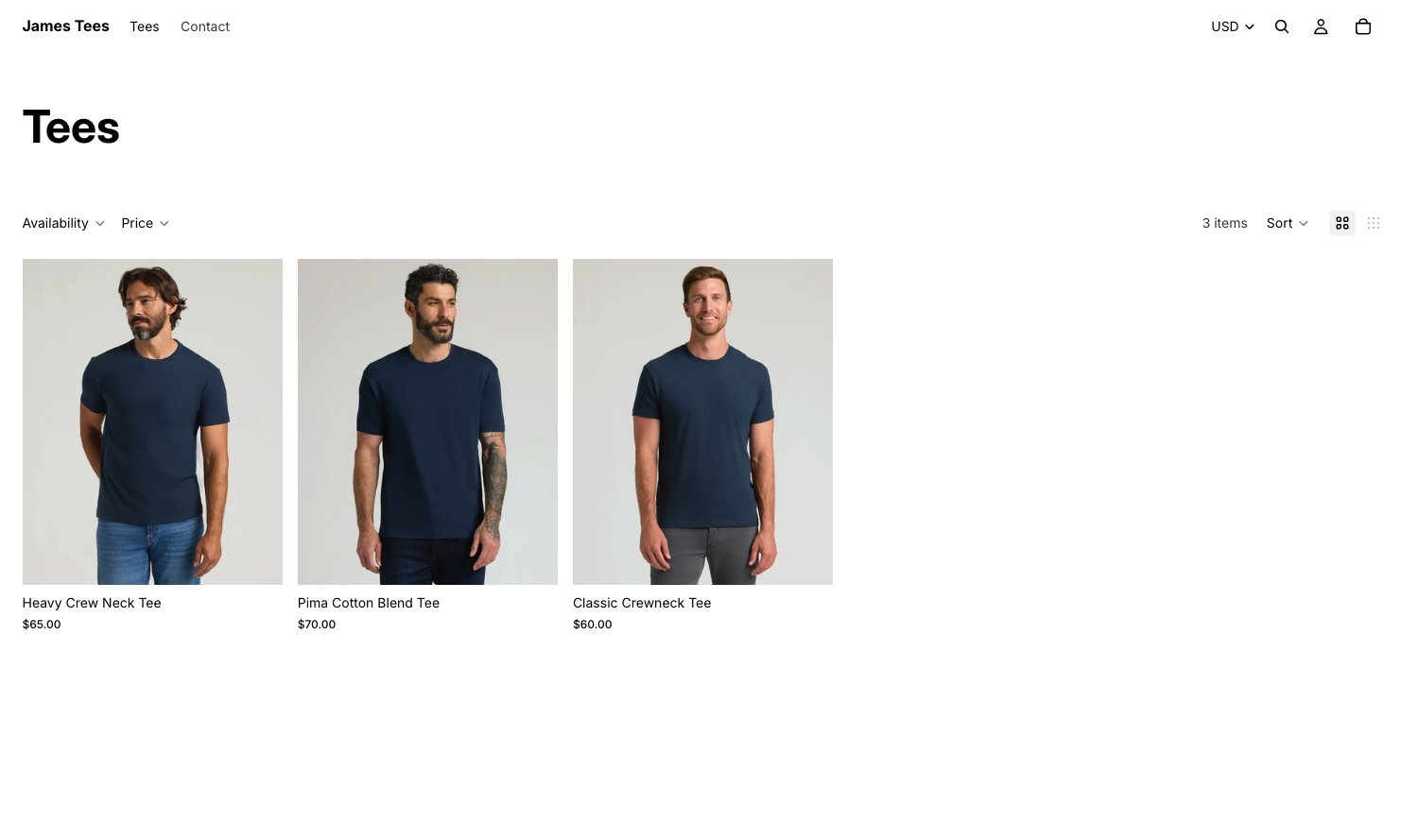
featured_color_products: choose each product’s lead color
You can also use this to just highlight a broader variety of colors straight on the collection page.
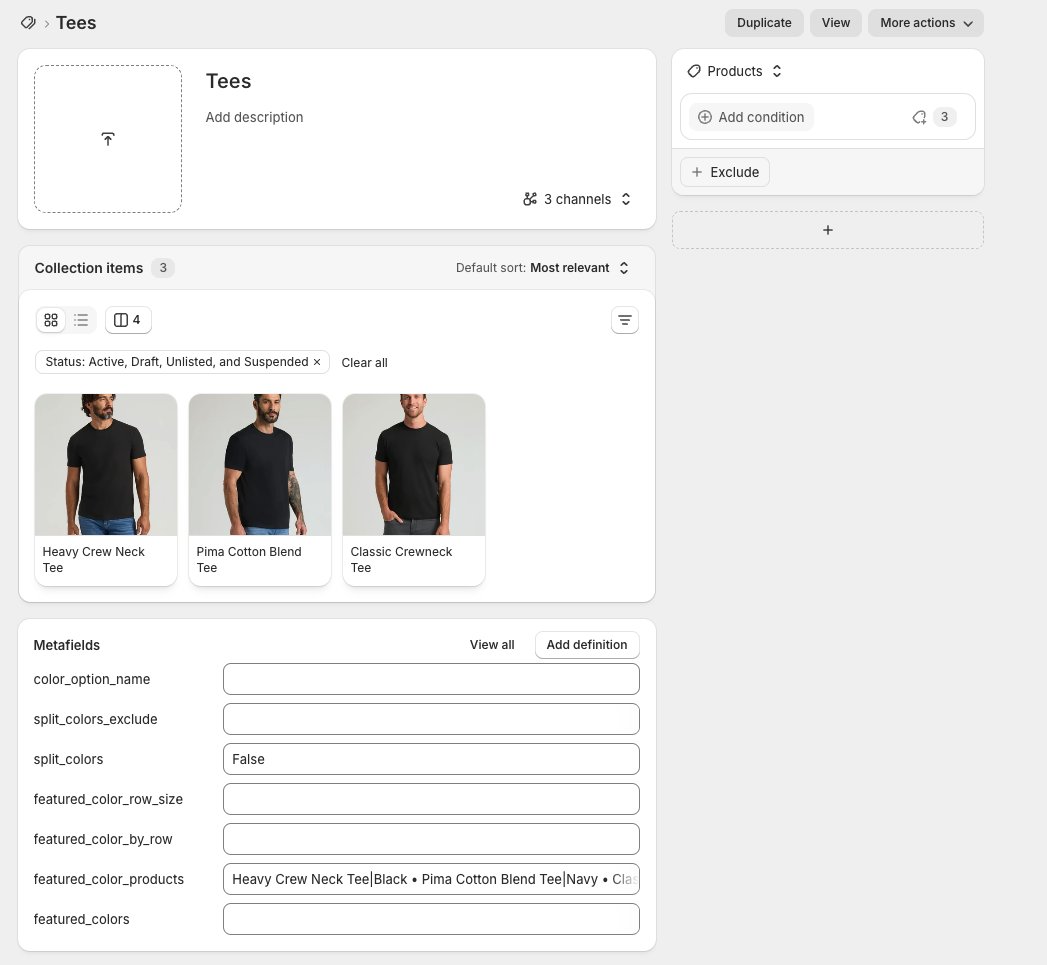
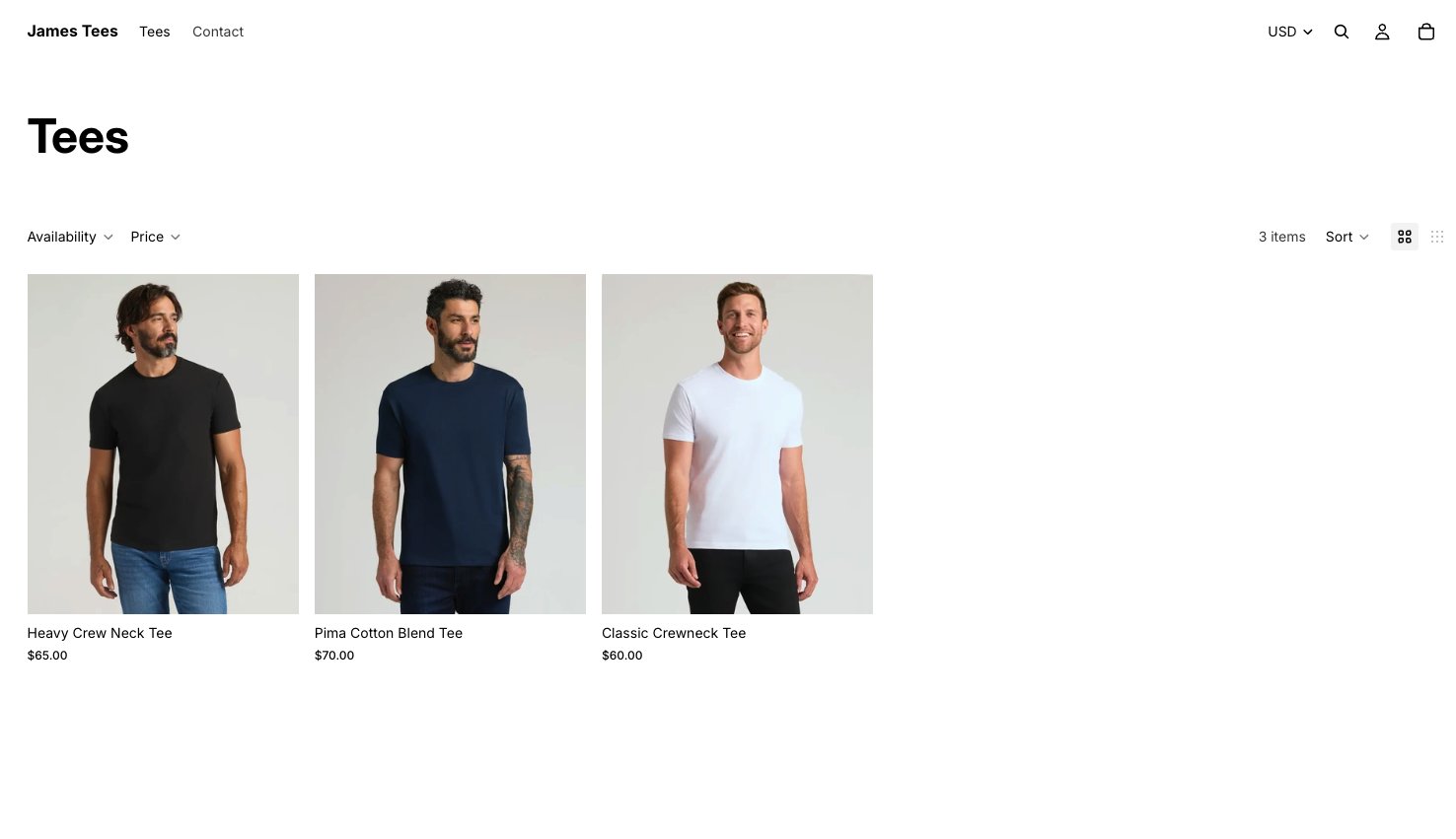
What your customers see
If you decide to list the colors on each product individually, they will all link back to the main product, so that the customer can switch between colors on the detail page.
Pros and trade-offs
Worth weighing before you roll it out across every collection:
| Pros | Trade-offs |
|---|---|
| No app to install or pay for. | split_colors creates more cards, so collections get longer and need more scrolling. |
| Works from your existing variants, so there is no duplicate catalog to maintain. | It needs theme code and collection metafields set up once. |
| Merchandisers control it per collection, without a developer. | Someone has to keep the metafields up to date as colors change. |
Try it
You can check out how it works on a quick sample store I made here (password is ruclau).
Contact us if you want this on your Shopify website, I'll share the Horizon code with you for free.
Frequently asked questions
Do I need an app to show every color on a collection page?
Do the colors stay linked to the main product?
What is the difference between split_colors and featured_colors?
What can I use this for?
Sources
Spotted something wrong or out of date? Email hello@kirkbyconsulting.com with the details and we will correct it.